| Status | ||||
|---|---|---|---|---|
|
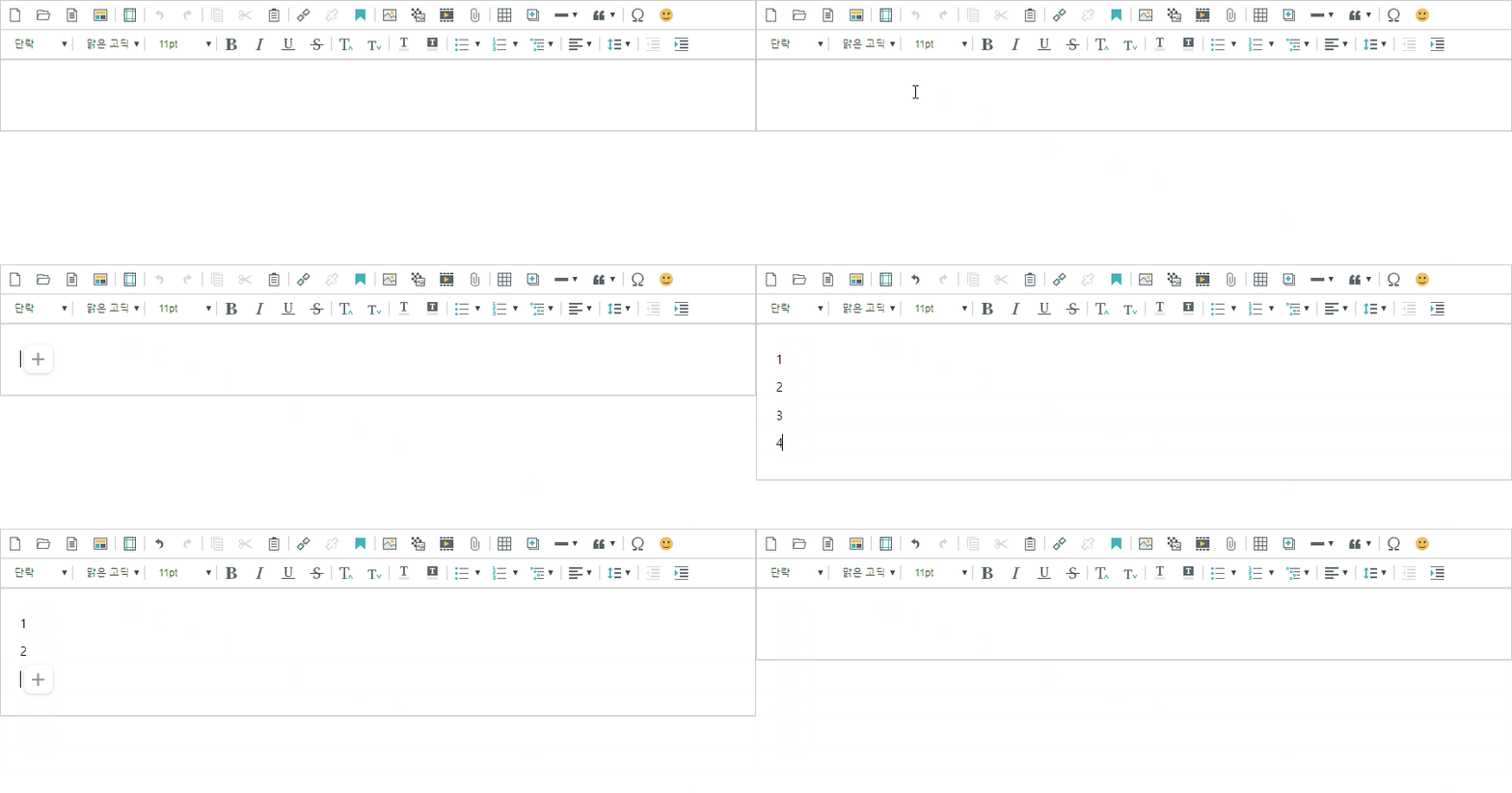
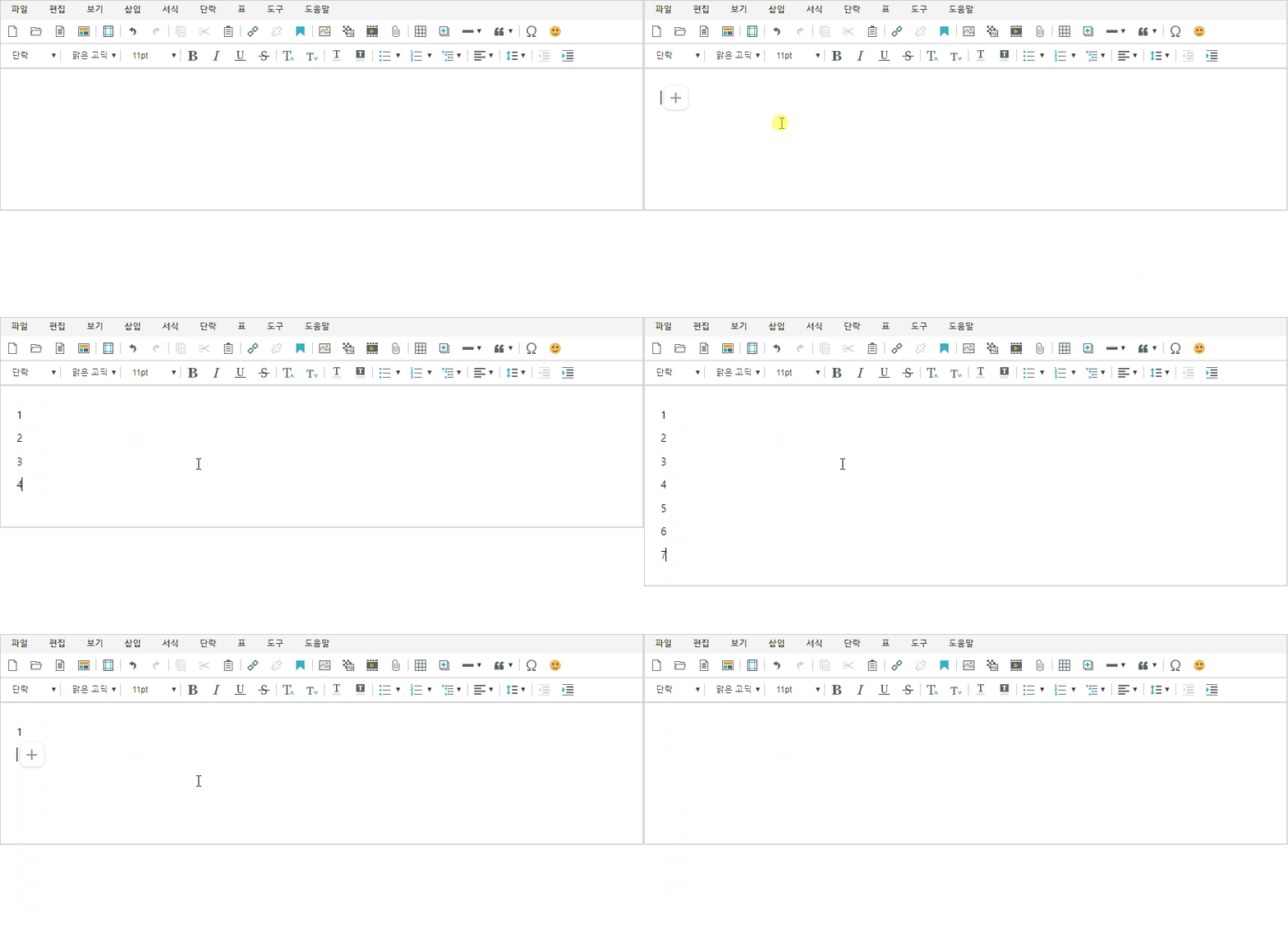
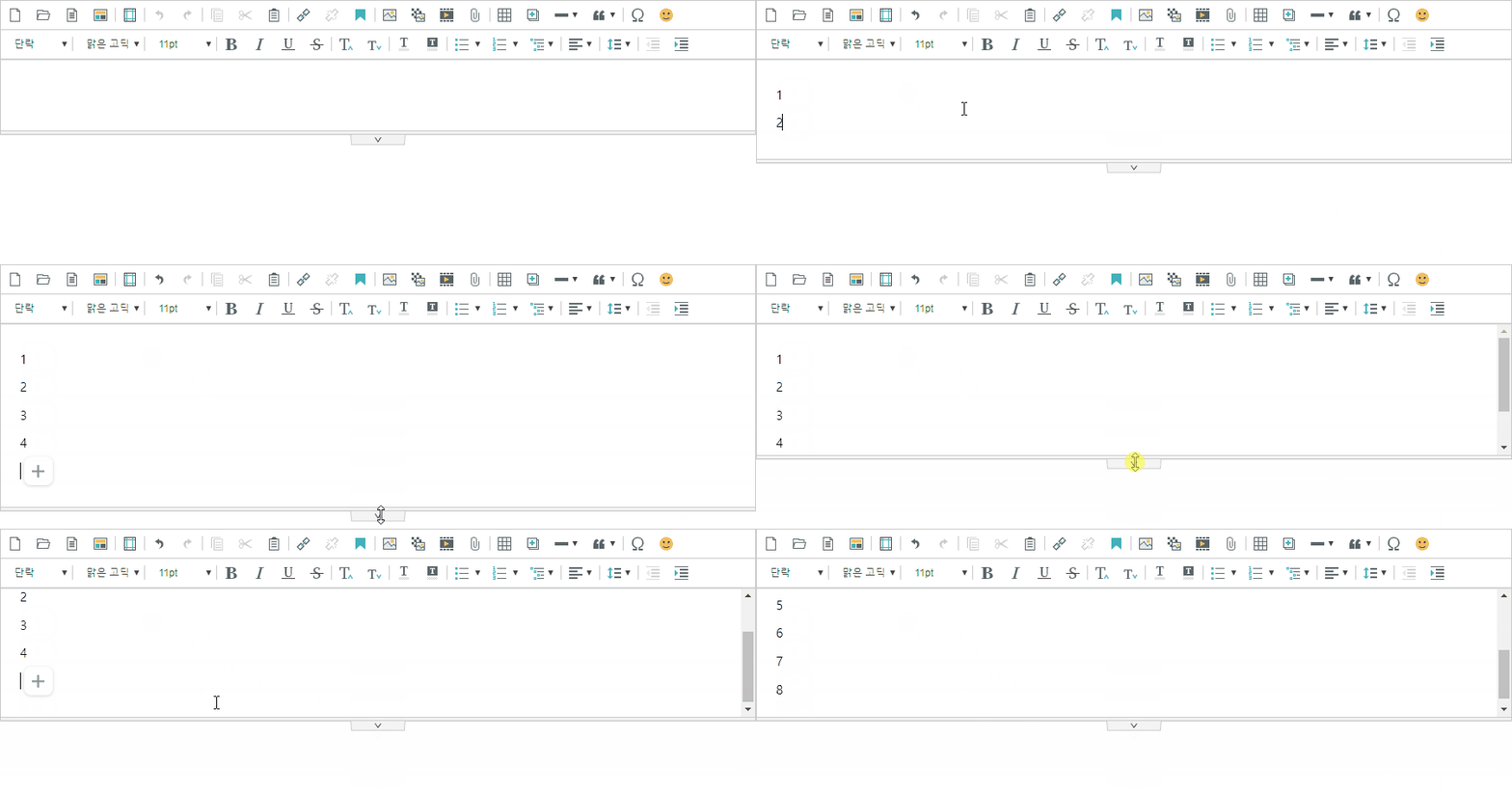
에디터의 내용에 맞게 에디터 높이를 설정 에디터 컨텐츠의 높이에 맞추어 에디터 높이가 설정되도록 할 수 있습니다.
컨텐츠 높이에 맞춤'editor.size.height.fit'을 true로 설정하면 에디터의 높이가 컨텐츠의 높이만큼 조절됩니다. (기본값 false)
'editor.lineHeight'를 이용하여 툴바에 표시되는 줄간격크기를 설정합니다. .size.height.fit.min'을 설정하면 에디터의 최소높이를 설정할 수 있습니다. (기본값 null)
| Code Block | ||||||
|---|---|---|---|---|---|---|
| ||||||
{
	'editor.size.height.fit': truefalse,
    'editor.size.height.fit.min': null // 기본값 false
} |
0이하는 줄간격 적용이 불가합니다.
관련정보
글꼴 크기2.17.2307 이상
} |
editor.size.height.fit : true | ||||||||||||||
|---|---|---|---|---|---|---|---|---|---|---|---|---|---|---|
|