...
| Code Block | ||
|---|---|---|
| ||
'editor.toolbar': [
    ...,
    'selectionMode', 'shapeEditor'
    ...
], |
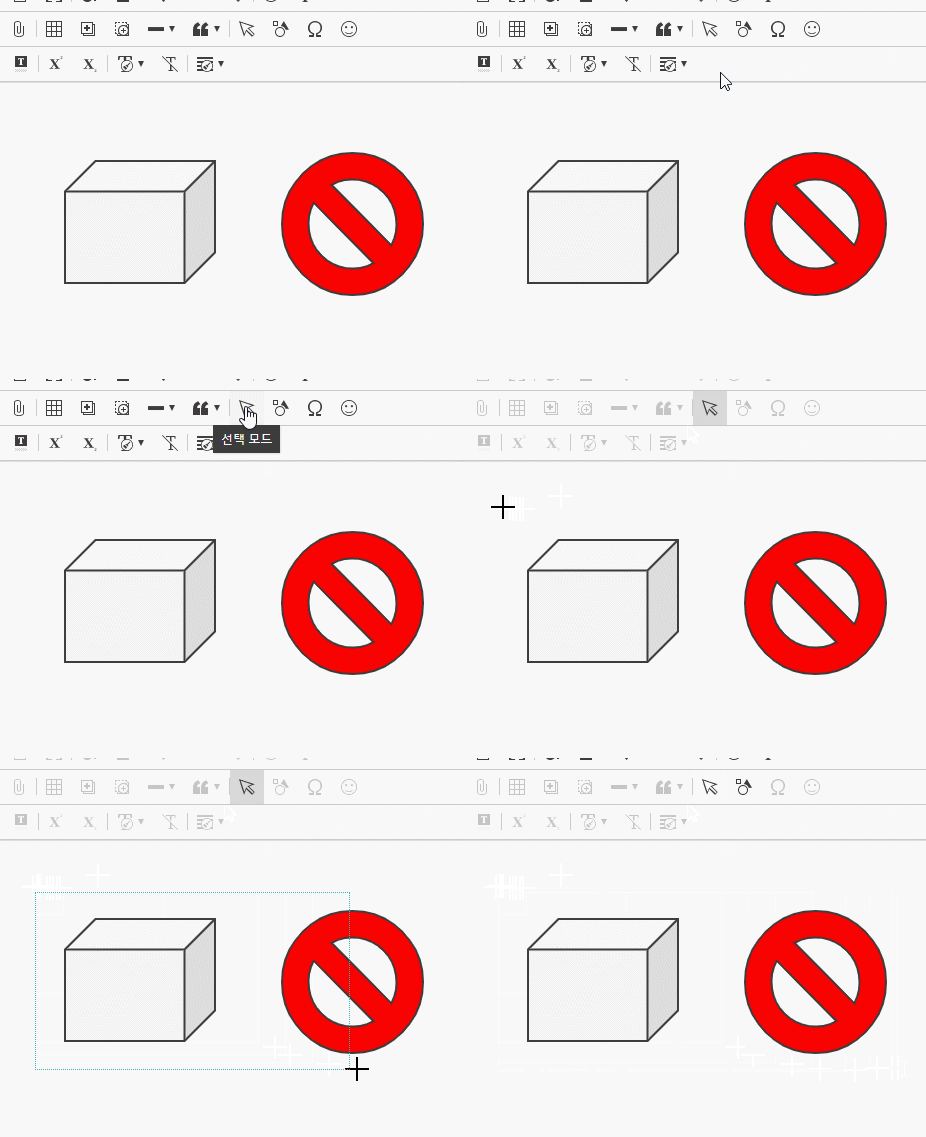
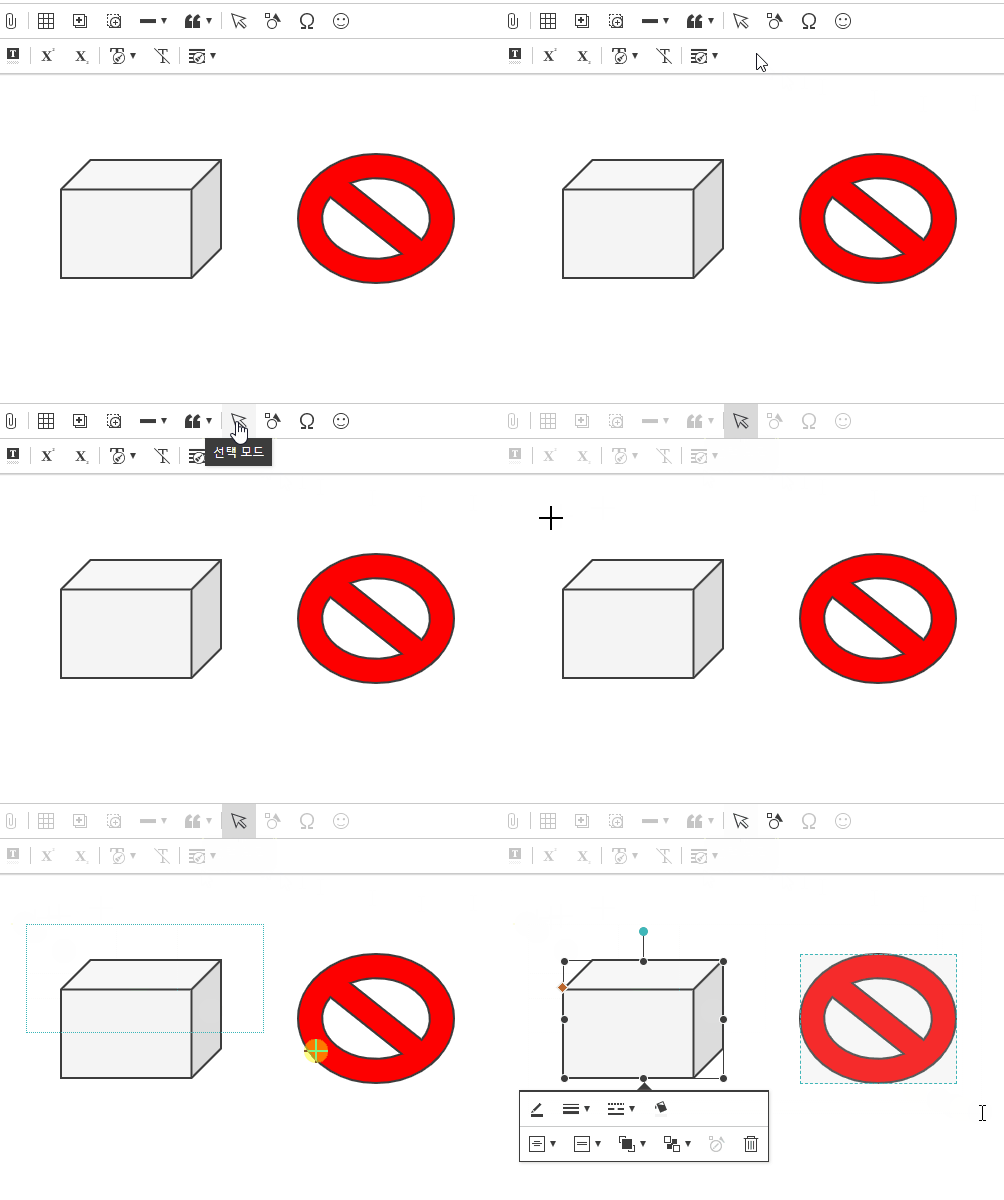
2. Iframe mode 지원
...
| Code Block | ||||
|---|---|---|---|---|
| ||||
'editor.type': 'document',
'editor.document.size': {
    'width': 793,
    'height': 1122,
    'padding': { 'top': 96, 'right': 96, 'bottom': 96, 'left': 96 }
}, |
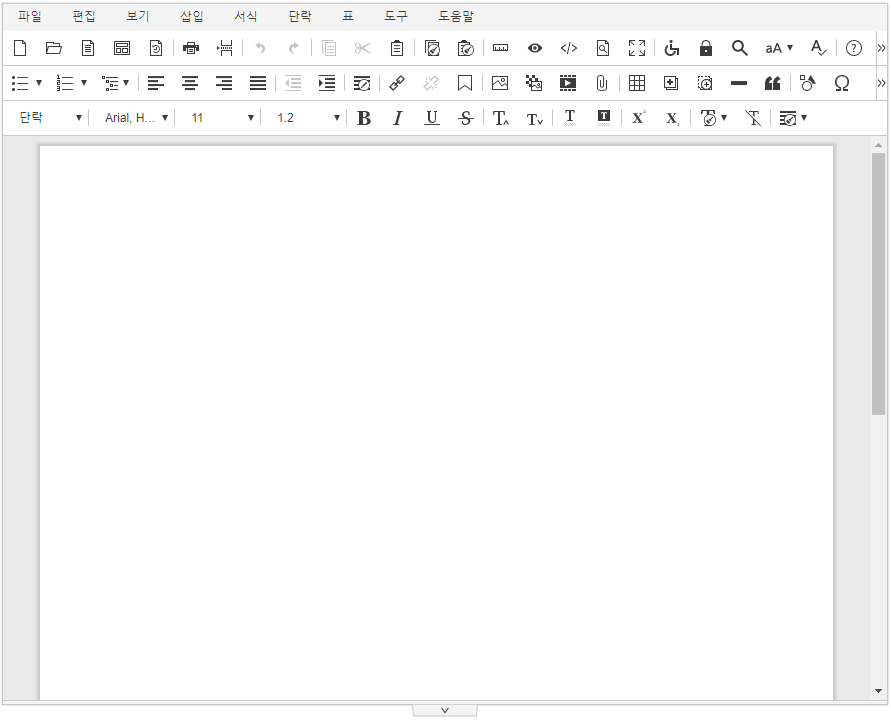
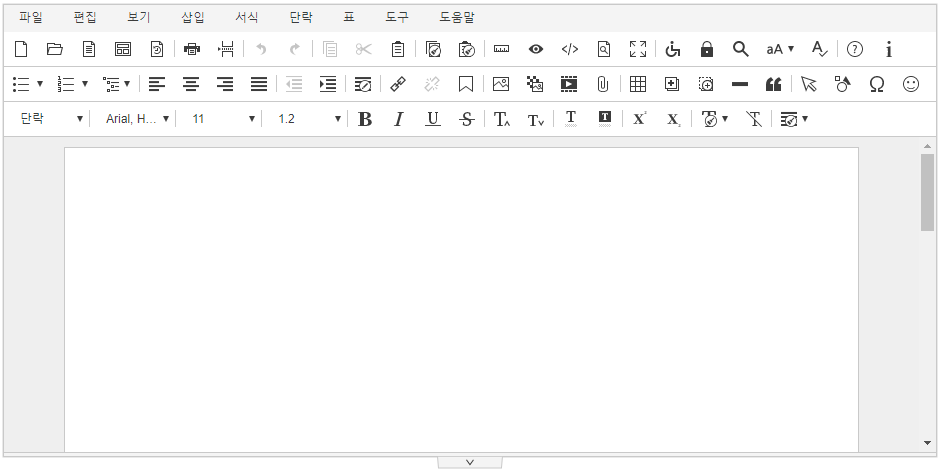
Document mode 사용에 대한 자세한 사항은 [설치 및 설정 > 환경설정 > 기본 UI 설정 > Document mode]를 참고해주세요.
4. 표 절대좌표 지원
표 속성에 "글자처럼 취급" 기능이 추가되었습니다.
...
| Code Block | ||||
|---|---|---|---|---|
| ||||
 'editor.toolbar': [
    'shapeEditor', 'shapeEditor_textBox','shapeEditor_rectangle','shapeEditor_roundedRectangle','shapeEditor_oval'
], |
[적용결과]

추가 가능한 도형의 종류
추가 가능한 도형의 종류와 도형 이름은 [플러그인 > 도형 편집기]에서 확인 할 수 있습니다.
...
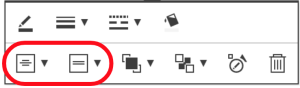
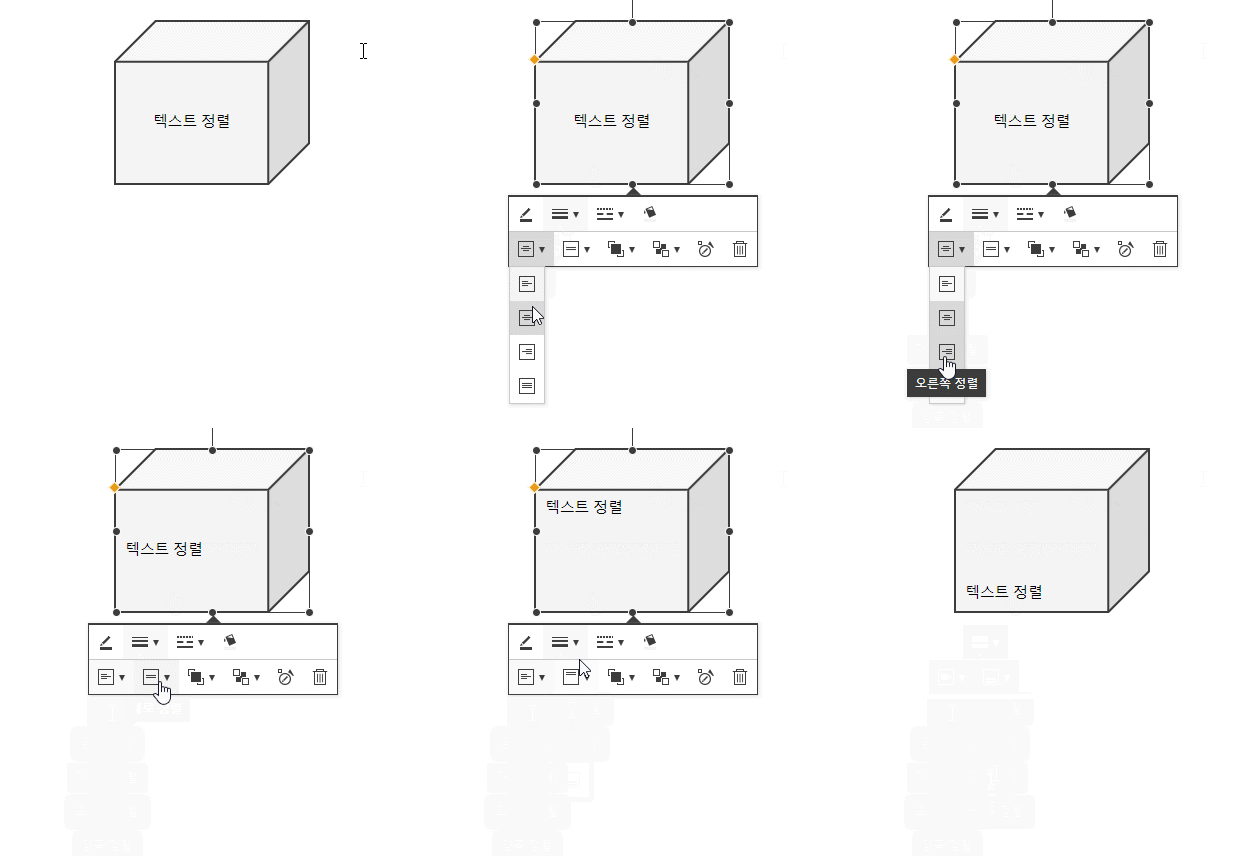
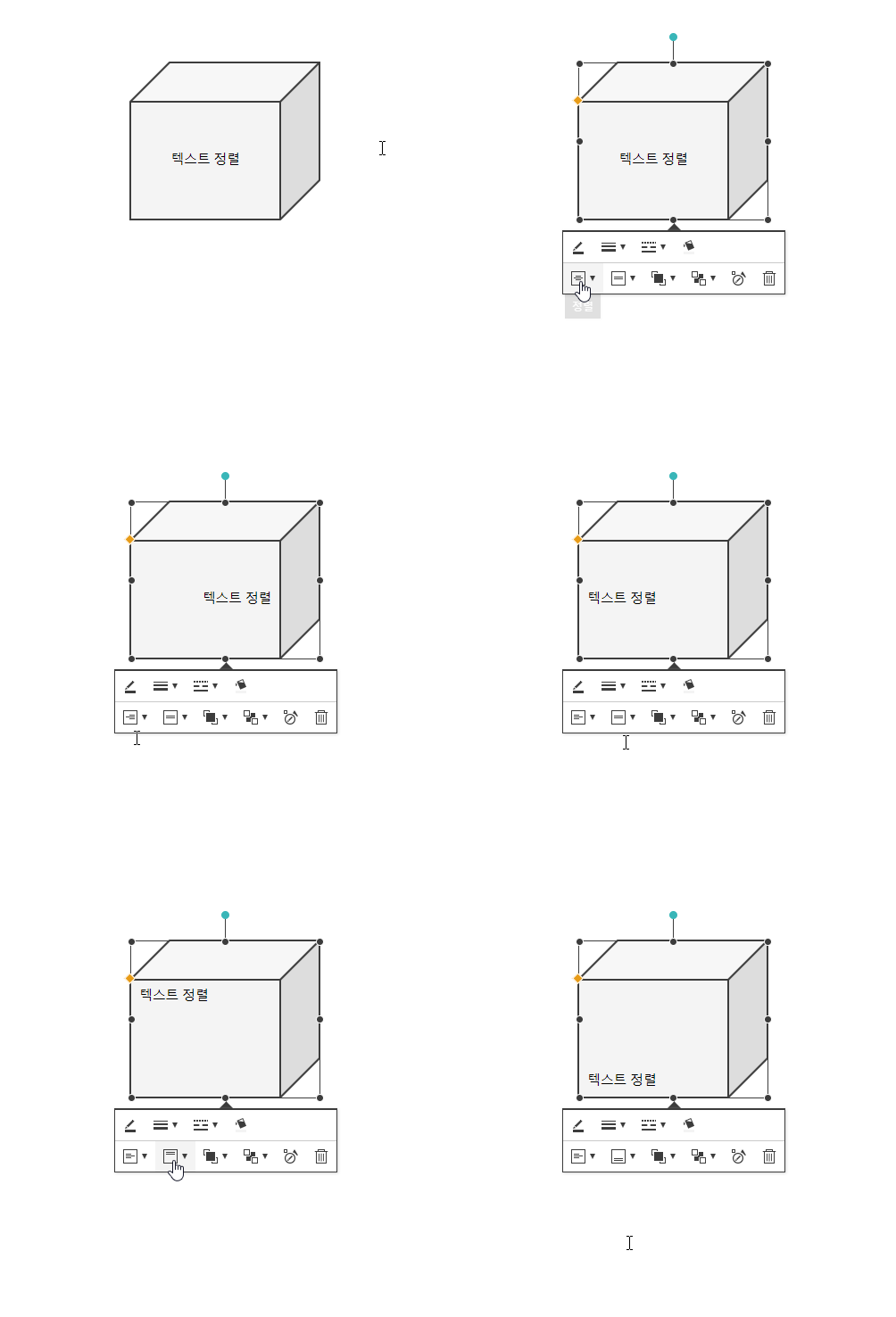
도형 내부의 텍스트를 정렬할 수 있는 기능이 추가되었습니다.
7. 특수기호에 "그리스어 및 콥트어" 추가
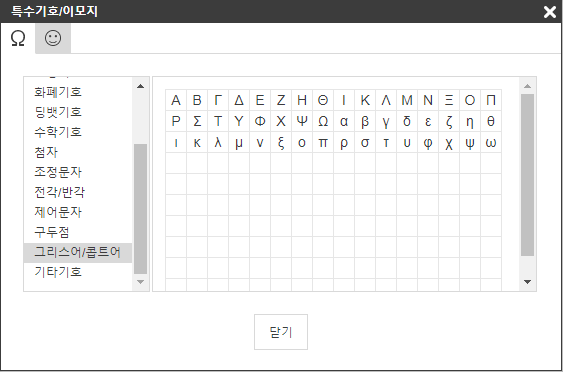
특수기호에 "그리스어 및 콥트어"가 추가되었습니다.
8. 복사/붙여넣기 개선
...