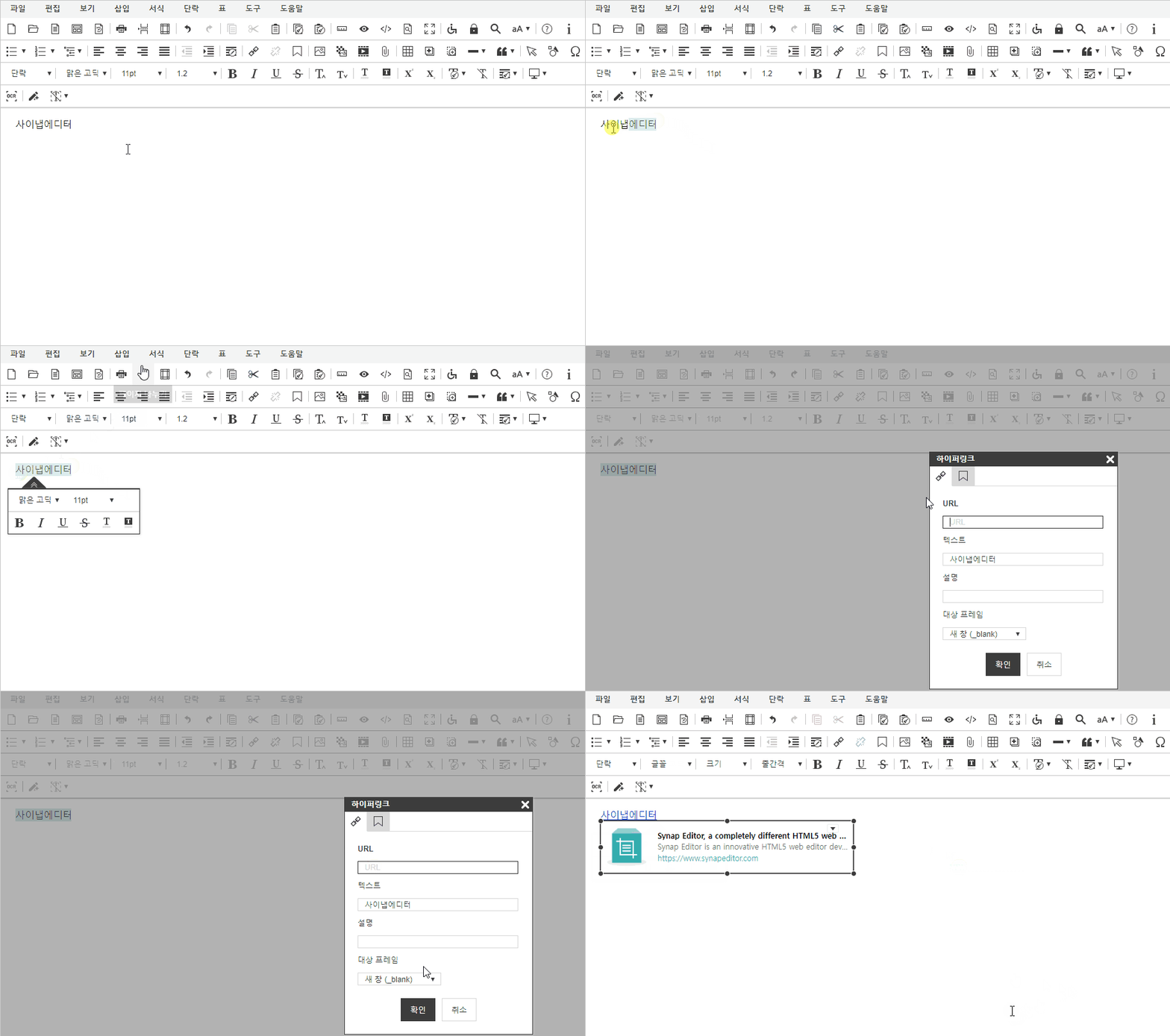
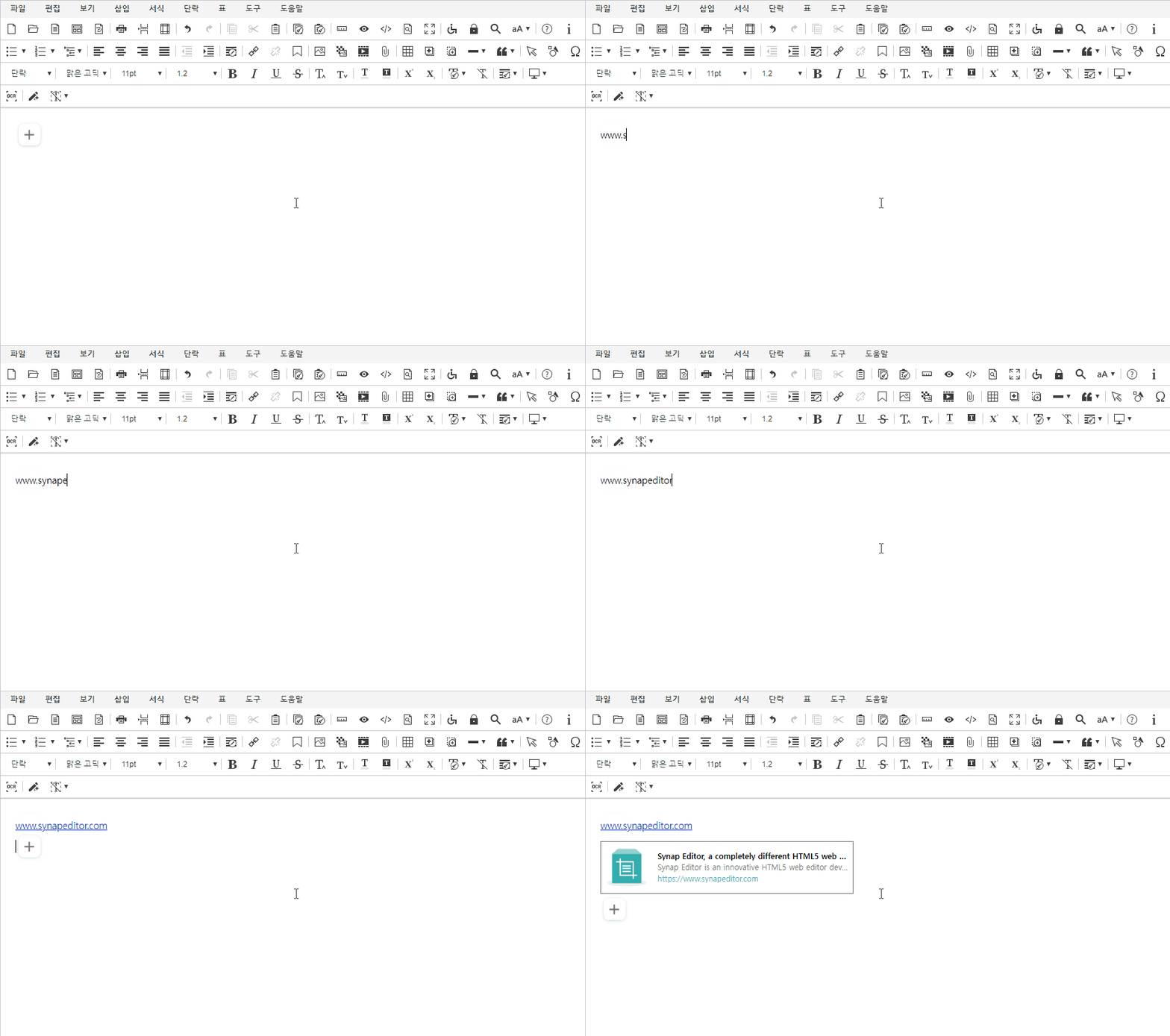
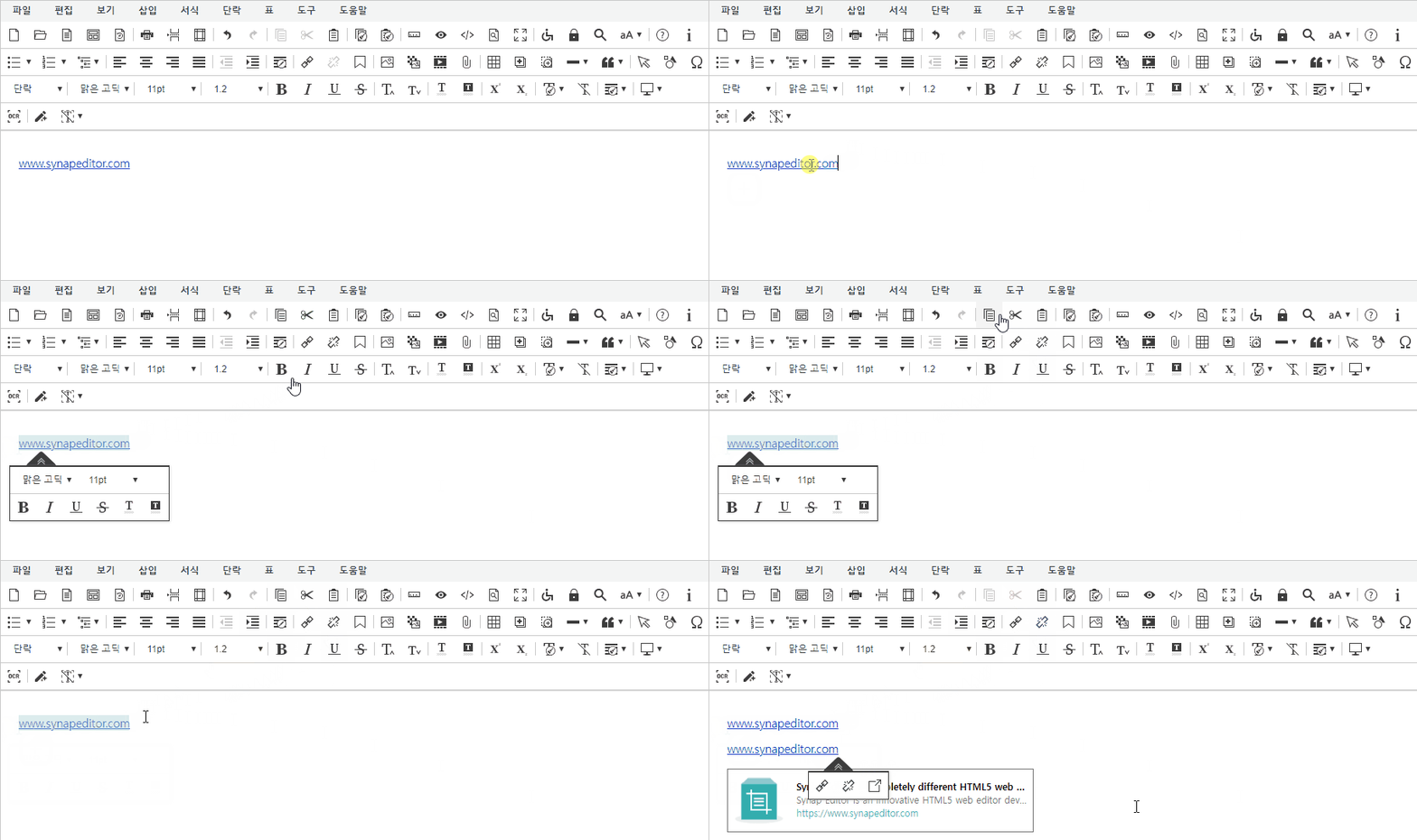
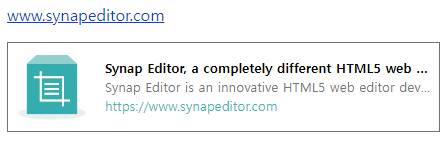
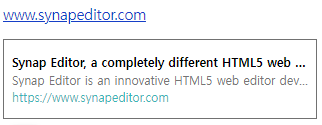
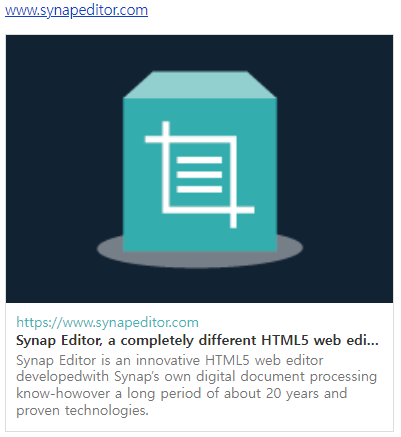
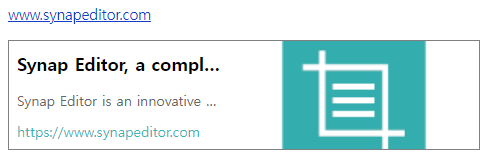
하이퍼링크의 OG 태그를 파싱하여 링크에 대한 미리보기를 제공합니다.

유효한 하이퍼링크 입력 시, 해당 링크의 썸네일 및 관련 정보를 미리 볼 수 있습니다.
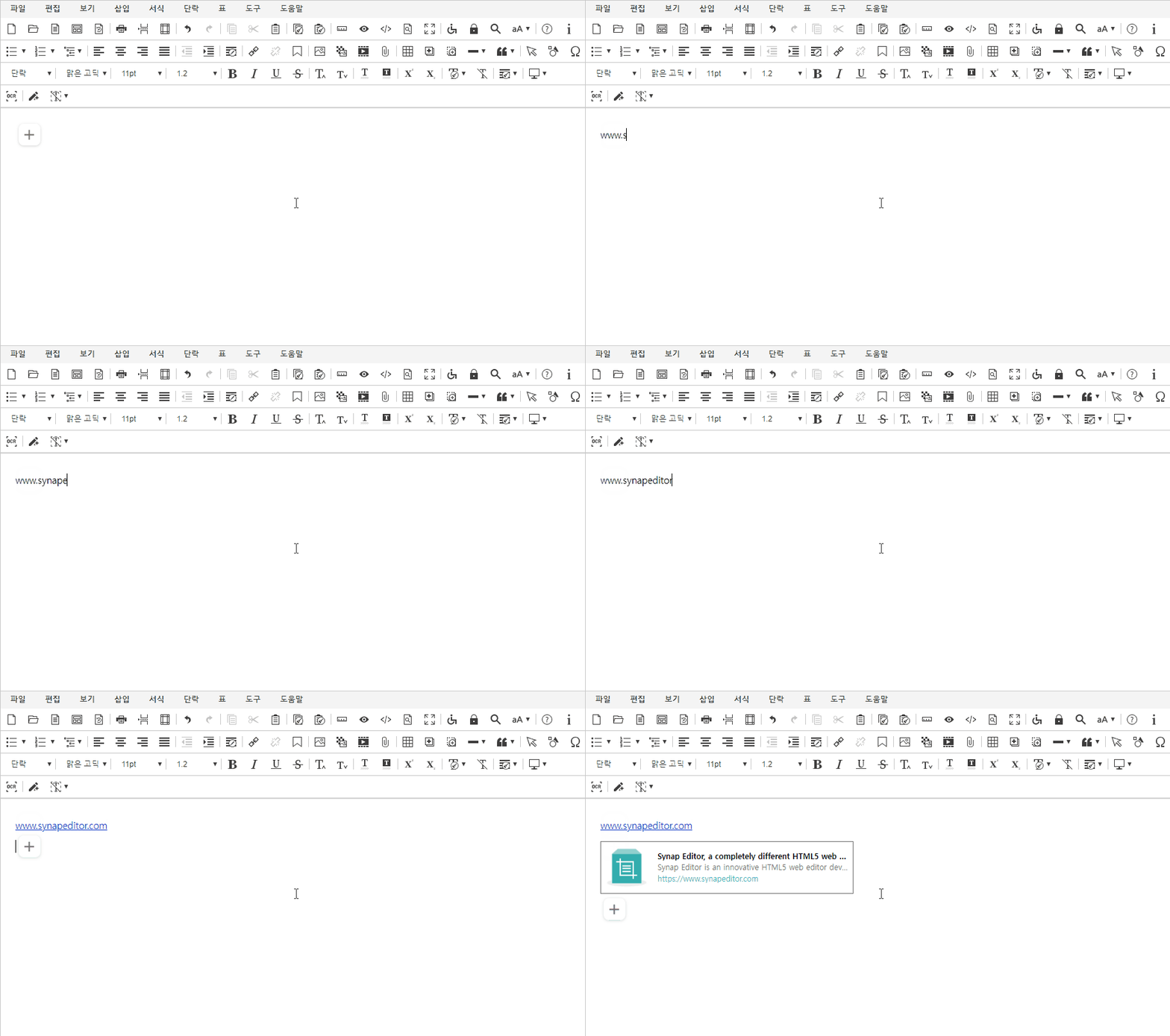

동작조건

액션예시
링크 삽입

링크 텍스트 입력 후 Enter

링크 복사/붙여넣기


사용방법

플러그인 파일 불러오기

<!-- SynapEditor 객체가 존재해야 적용할 수 있기 때문에 에디터 스크립트 파일 아래에 include 해야 합니다 --> <script src="ogParser.min.js의 url"></script>


플러그인 설정하기

사용 가능한 키

Key

Type

필수

설명

url

string

O

  • 요청을 보낼 URL을 설정합니다.

    • Ogtag를 파싱해주는 API 주소

  • 설정이 되지 않으면 URL 미리보기는 동작하지 않습니다.

customTemplateWithImage

string


  • URL 미리보기에 나타날 커스텀 HTML 템플릿을 적용합니다. (이미지가 존재할 경우)

  • 해당 설정을 사용하지 않을 경우 기본 HTML 템플릿이 적용됩니다.

customTemplateWithoutImage

string


  • URL 미리보기에 나타날 커스텀 HTML 템플릿을 적용합니다. (이미지가 존재하지 않을 경우)

  • 해당 설정을 사용하지 않을 경우 기본 HTML 템플릿이 적용됩니다.


// url 에는 OG 태그를 파싱하는 API 주소가 설정되어야 합니다. // customTemplateWithImage 은 이미지가 존재할 경우 생성되는 URL 미리보기 HTML입니다. // customTemplateWithoutImage 은 이미지가 존재하지 않을 경우 URL 미리보기 HTML입니다.   'ogParser.config': { 'url': '/ogParser', 'customTemplateWithImage': ``, // 이미지 있을 때 커스텀 템플릿 'customTemplateWithoutImage': `` // 이미지 없을 때 커스텀 템플릿 }


기본 템플릿


미리보기적용된 HTML
썸네일이 있을 경우


<div style="width: 387px; border: 1px solid #ddd; color: #333; background-color: #123; text-align: center;"> <img src="#{image}" style="height: 268px; max-width: 387px; display: block;"> <div style="overflow: hidden; padding: 10px 10px 10px 10px; text-align: left; background-color: #FFF; display:block;"> <a href="#{url}" style="font-size: 14px; color: #39b6b8; text-decoration: none; margin-top: 0px; margin-bottom: 3px;">#{url}</a> <p style="white-space: nowrap; overflow: hidden; text-overflow: ellipsis; font-size: 14px; font-weight: bold; margin-top: 0px; margin-top: 0px; margin-bottom: 3px;">#{title}</p> <p style="font-size: 14px; color: #757575; margin-top: 0px; margin-bottom: 3px;">#{description}</p> </div> </div>


썸네일이 없을 경우


<div style="box-sizing: border-box; border: 1px solid #717171; font-size: 0; width: 314px; height:80px; padding: 15px 8px; max-width: 100% !important;"> <p style="font-size: 12px; font-weight: bold; white-space: nowrap; margin-top: 0px; margin-bottom: 3px; overflow: hidden; text-overflow: ellipsis;">#{title}</p> <p style="font-size: 12px; color: #757575; white-space: nowrap; margin-top: 0px; margin-bottom: 3px; overflow: hidden; text-overflow: ellipsis;">#{description}</p> <p style="font-size: 12px; white-space: nowrap; margin-top: 0px; margin-bottom: 3px; overflow: hidden; text-overflow: ellipsis; color: #39b6b8;"> <a href="#{url}" style ="text-decoration: none; color: #39b6b8;">#{url}</a> </p> </div>


커스텀 템플릿 설정 방법

HTML에 포함된 태그

tag의미설명
#{title}제목
  • 서버에서 반환된 title 값이 바인딩됩니다.
#{description}설명
  • 서버에서 반환된 description 값이 바인딩됩니다.
#{image}썸네일
  • 서버에서 반환된 image 값이 바인딩됩니다.
#{url}링크
  • 서버에서 반환된 url 값이 바인딩됩니다.


커스텀 템플릿 설정 예시

미리보기템플릿 설정


'ogParser.config': { ... 'customTemplateWithImage': ` <div style="width: 387px; border: 1px solid #ddd; color: #333; background-color: #123; text-align: center;"> <img src="#{image}" style="height: 268px; max-width: 387px; display: block;"> <div style="overflow: hidden; padding: 10px 10px 10px 10px; text-align: left; background-color: #FFF; display:block;"> <a href="#{url}" style="font-size: 14px; color: #39b6b8; text-decoration: none; margin-top: 0px; margin-bottom: 3px;"> #{url}</a> <p style="white-space: nowrap; overflow: hidden; text-overflow: ellipsis; font-size: 14px; font-weight: bold; margin-top: 0px; margin-top: 0px; margin-bottom: 3px;">#{title}</p> <p style="font-size: 14px; color: #757575; margin-top: 0px; margin-bottom: 3px;">#{description}</p> </div> </div>`, ... }


'ogParser.config': { ... 'customTemplateWithImage': ` <div style="box-sizing: border-box; border: 1px solid #808080; font-size: 0; width: 772px; overflow: auto;"> <div style="box-sizing: border-box; float: left; width: 520px; height:108px; padding: 12px 8px;"> <p style="font-size: 18px; font-weight: bold; white-space: nowrap; margin-top: 0px; overflow: hidden; text-overflow: ellipsis;">#{title}</p> <p style="font-size: 14px; color: #666; white-space: nowrap; overflow: hidden; text-overflow: ellipsis;">#{description}</p> <p style="font-size: 14px; white-space: nowrap; overflow: hidden; text-overflow: ellipsis; color: #39b6b8;"> <a href="#{url}" style="text-decoration: none; color: #39b6b8;">#{url}</a></p> </div> <div style="box-sizing: border-box; float: left; height: 108px; width: 250px; background: url(#{image}) no-repeat center center; background-size: cover;"></div> </div>`, ... }


서버 반환 값 JSON 예시

keytypevalue
titleString
  • OG 태그의 og:title 내용
descriptionString
  • OG 태그의 og:description 내용
imageString
  • OG 태그의 og:image 내용
 urlString
  • OG 태그의 og:url 내용


{ "image": "https://www.synapsoft.co.kr/wp-content/uploads/2020/04/product03.png", "description": "Synap Editor is an innovative HTML5 web editor developed with Synap’s own digital document processing know-how over a long period of about 20 years and proven technologies.", "title": "Synap Editor, a completely different HTML5 web editor", "url": "https://www.synapeditor.com" }